
You can need a website and still lose too much time on it. A tutorial turns into recommendations. A quick community search turns into the front page. A message check turns into another pass through the feed.
Blocking the whole site solves the access problem, but sometimes access is not the problem. The problem is missing the moment when your original reason for opening the site is over.
Start with the moment you want to catch
Do not begin with a vague goal like "use the internet less." Pick the exact transition that usually gets away from you:
- The video you opened has ended, but autoplay keeps going.
- You found the answer you needed, but the feed is still open.
- You checked one update, then started refreshing for another.
This makes the goal smaller and more useful. You are not trying to reject the entire website. You are trying to notice when purposeful use becomes passive use.
Use a reminder as an exit cue
A focus reminder works best when it creates a brief decision point. It does not need to lecture you or report every minute. It only needs to interrupt autopilot long enough for three quick questions:
- Why did I open this site?
- Did I finish that reason?
- What do I want to do next?
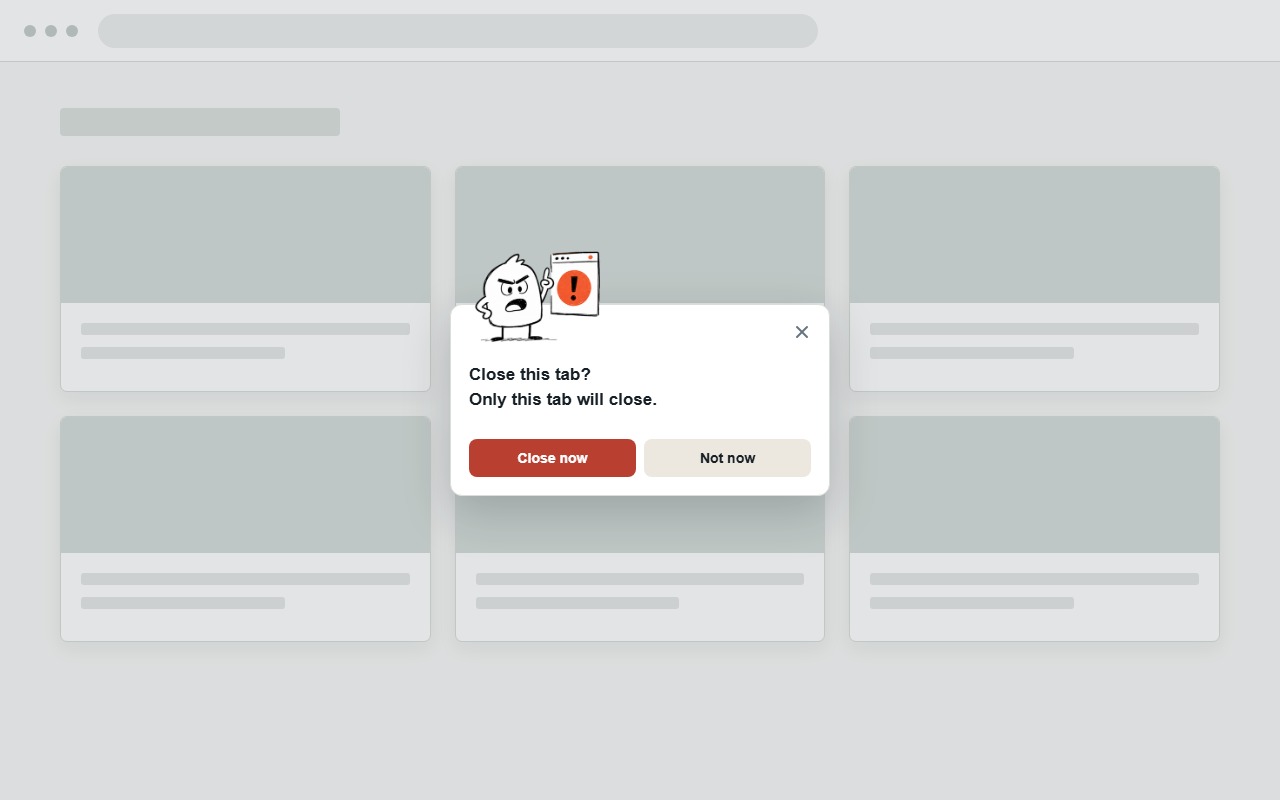
If the first task is finished and there is no clear next action, closing the tab is usually the cleanest exit.
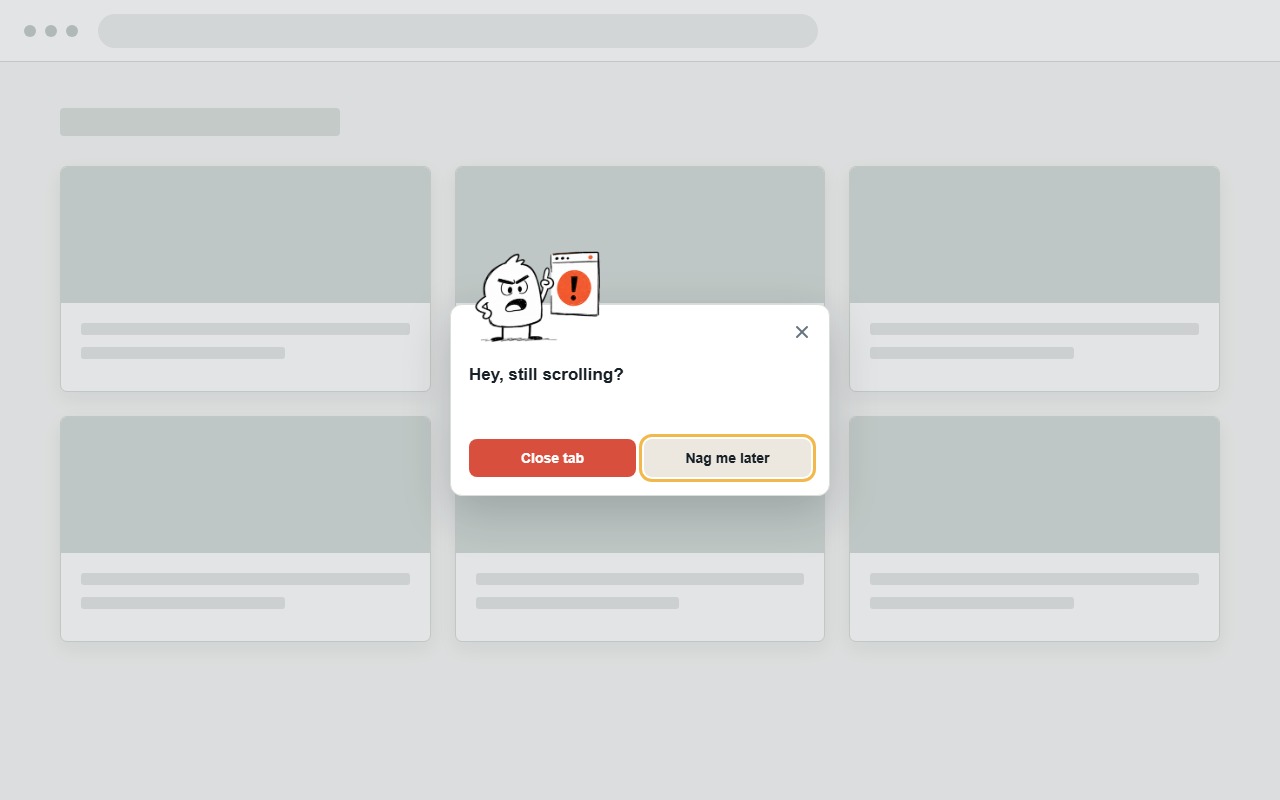
You do not have to promise that you will never return. Decide only whether the current tab still deserves the next few minutes.
Make leaving easier than continuing
A reminder helps you notice the loop. Your environment should make the next step obvious. Before opening a distracting site, leave the task you want to return to visible in another tab or window. When the reminder appears, there is somewhere concrete to go.
Other small exit actions can help:
- Save a useful video or post instead of finishing it immediately.
- Close only the feed tab, not the browser session you need for work.
- Write down the next task before taking a planned break.
- Pause reminders when the site is genuinely part of a longer task.
Use a simple setup
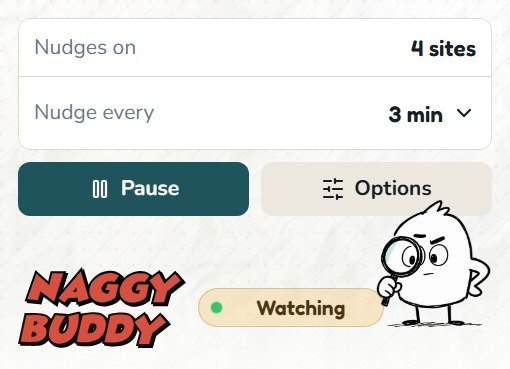
- Add only the sites where you repeatedly lose track of your original intention.
- Choose one reminder interval that is early enough to catch the loop.
- When the reminder appears, close the tab if your reason for opening it is complete.
- If you dismiss every reminder without reading it, adjust the timing or use a stronger boundary.
Starting with a short site list matters. If every website is treated as a problem, the reminders stop carrying useful information.
Know when a blocker is the better tool
A reminder leaves the final choice with you. That is useful when a site has both legitimate and distracting uses, or when you want to practice noticing the decision yourself.
A blocker is a better fit when opening the site at all would break an important commitment, such as a timed focus session or a deadline with no room for negotiation. The strongest setup may use hard blocking for a protected period and reminders during normal browsing.
How Naggy Buddy approaches it
Naggy Buddy lets you choose specific websites and how often you want a nudge. It counts only the selected site in the active Chrome tab, then shows an in-page reminder instead of redirecting or locking the page.
You can close the tab, dismiss the current reminder while tracking continues, or pause Buddy when reminders would get in the way. Your selected hostnames, settings, and current reminder state stay in Chrome storage on your device.