Choose your sites
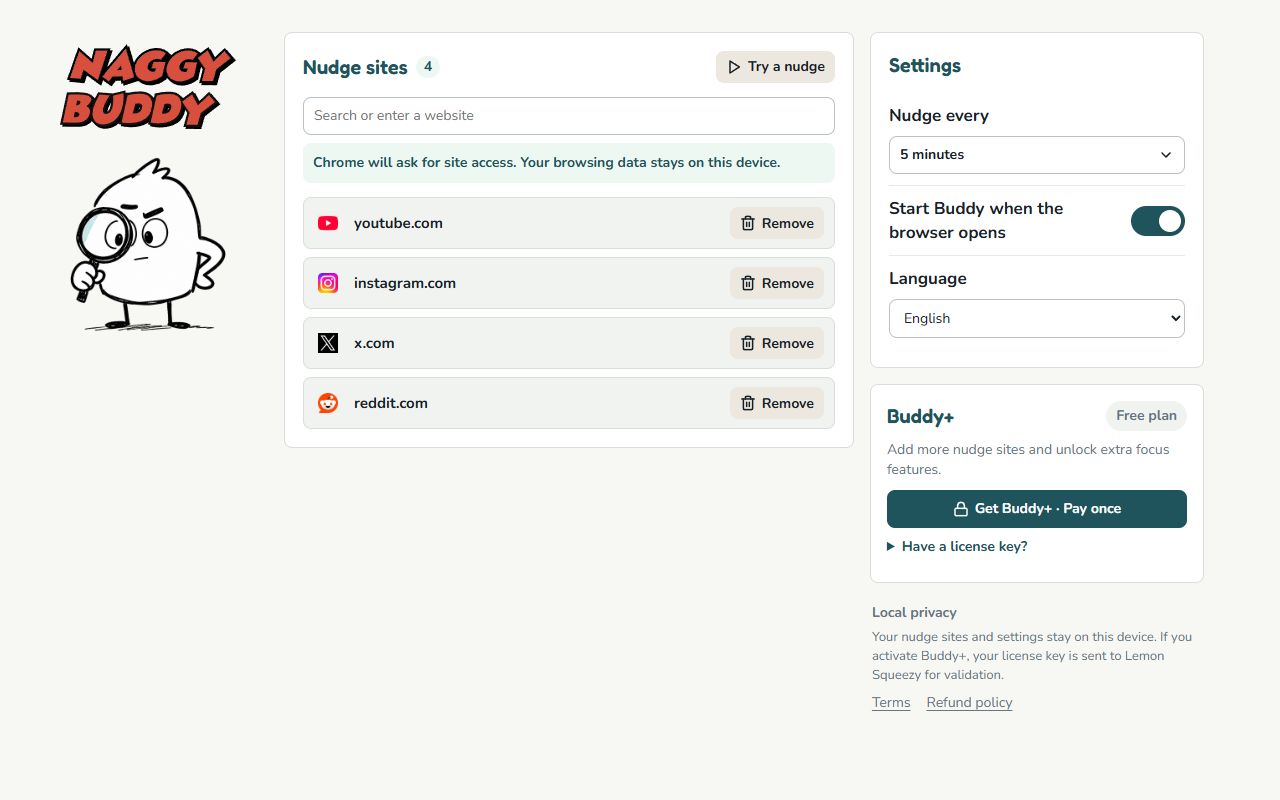
Pick the feeds, videos, and websites where you tend to lose track of time.
Stay focused without blocking websites.

Choose the sites that distract you. Buddy nudges you when it's time to leave.

How it works
Pick the feeds, videos, and websites where you tend to lose track of time.
Set how long Buddy should wait between nudges. Background tabs don't count.
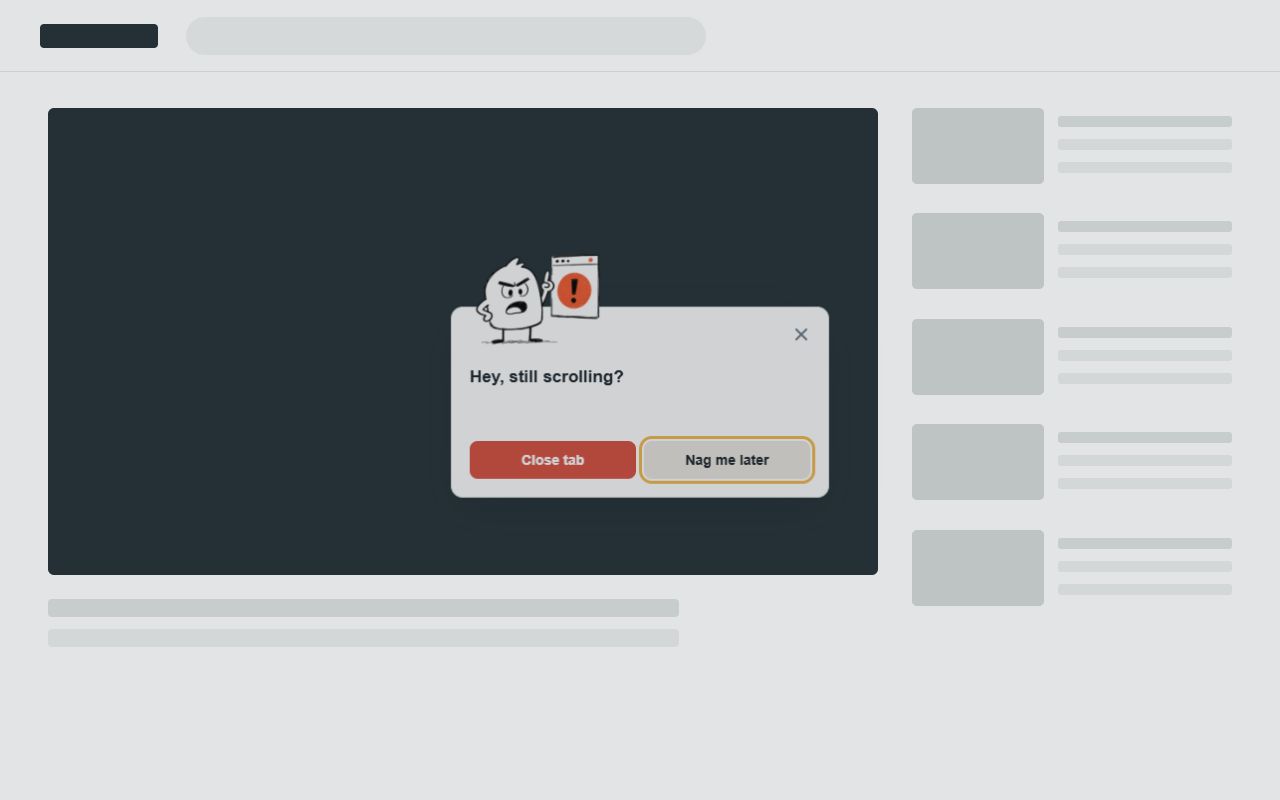
When it's time for another nudge, Buddy appears and reminds you to leave.
Simple setup
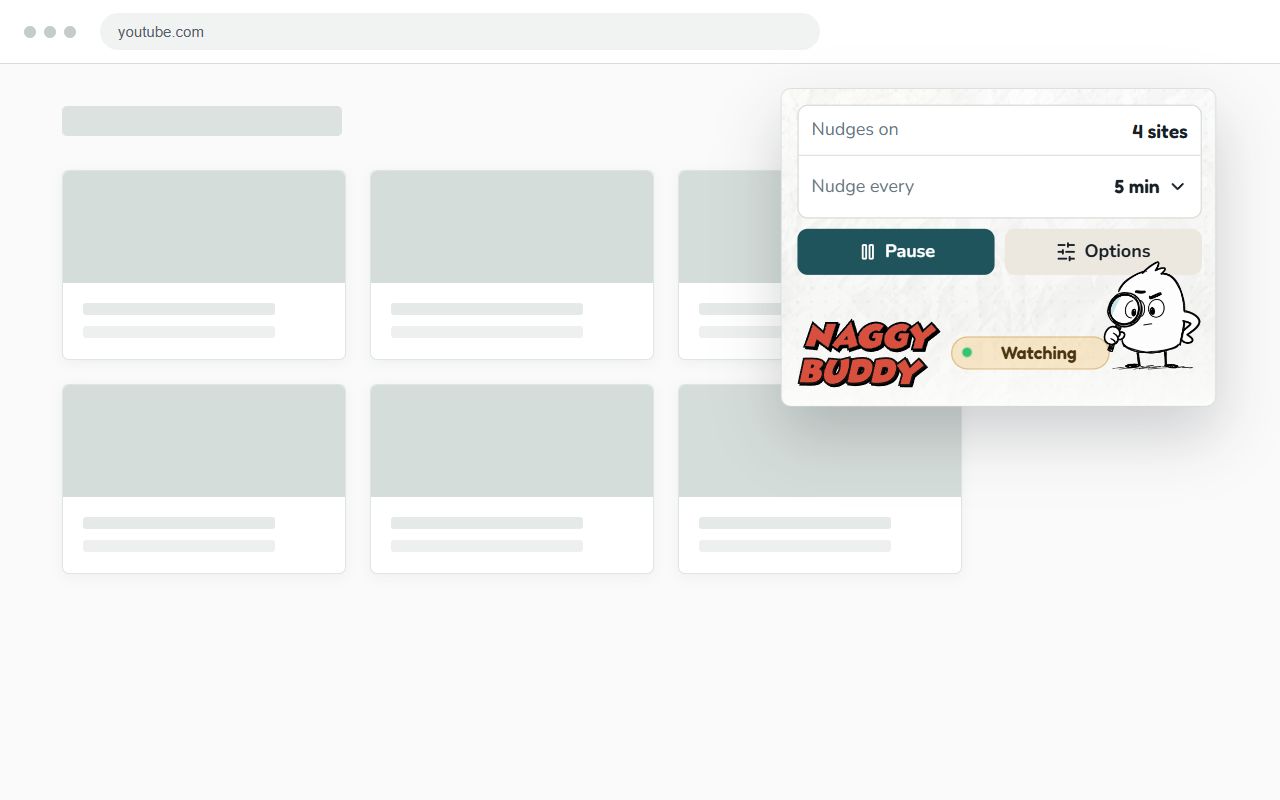
Add or remove nudge sites, choose how often Buddy should check in, and pause Buddy whenever reminders would get in the way.
A nudge, not a wall
Naggy Buddy doesn't lock you out or redirect the page. Buddy shows up, and you decide what happens next:
Local-first privacy
Your site list, settings, and reminder progress stay on this device.
Buddy+ contacts Lemon Squeezy only to activate, validate, or deactivate your license.
Buddy+
$4.90one-time purchase
The free version covers five sites. Buddy+ expands your site list and adds Deep Nudge, a short countdown after repeated dismissals.
Get Buddy+ · Pay onceUse Buddy+ on up to 20 Chrome profiles.
The short version
No. Naggy Buddy uses in-page reminders instead of blocking or redirecting websites, so you decide whether to close the tab or keep browsing.
No. It works only on hostnames you explicitly add and grant access to.
No. The free extension works without an account. Buddy+ uses a license key for activation.
From the blog
Practical ways to notice distraction sooner, choose a useful reminder rhythm, and leave a scrolling loop on your own terms.

Add Naggy Buddy to Chrome and choose the sites that keep pulling you back.