
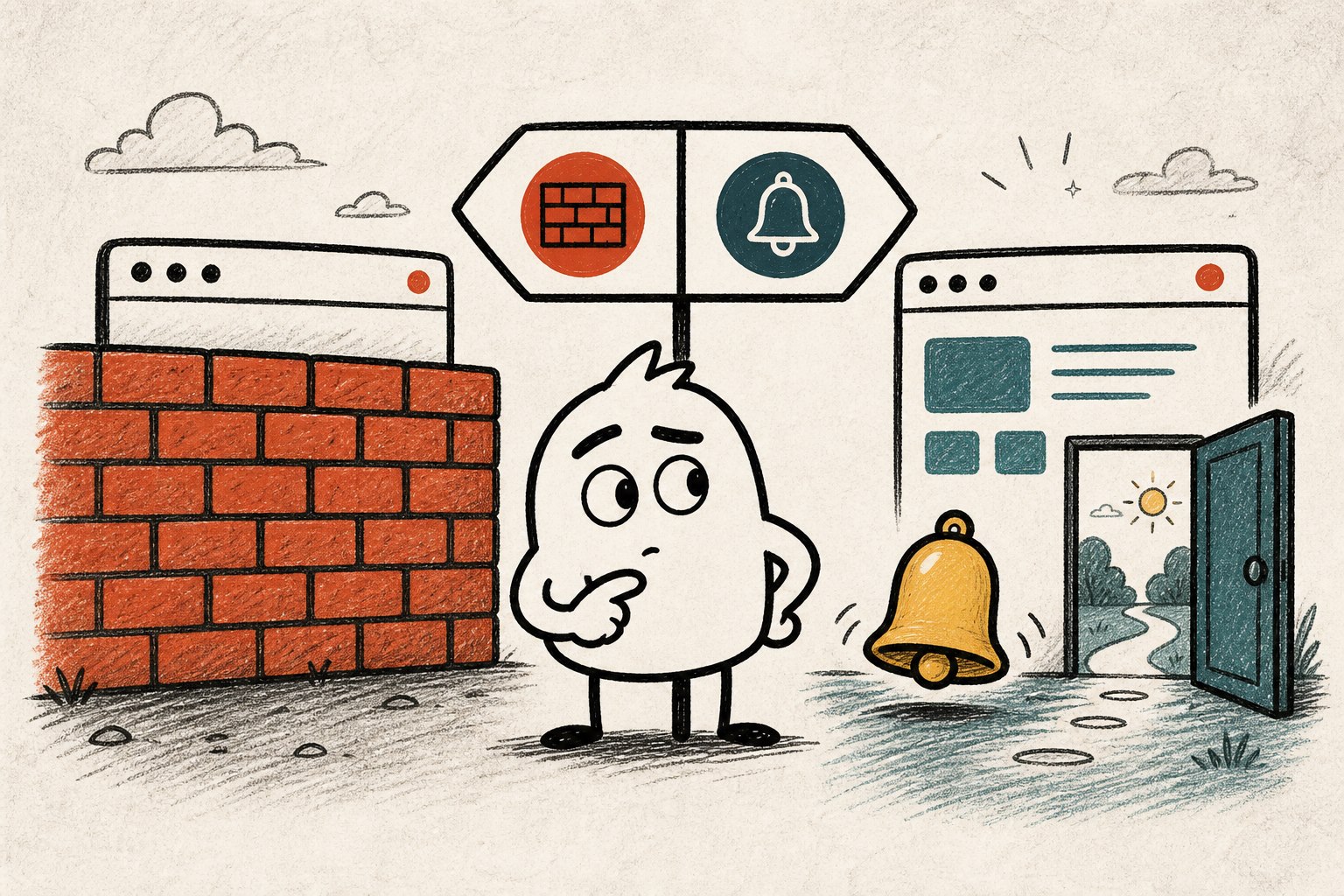
A website blocker and a reminder extension solve different versions of the same problem. A blocker creates a hard boundary before you enter. A reminder lets you enter, then creates a decision point after some active use.
Neither approach is automatically more disciplined or more effective. The useful question is simpler: what kind of friction does this situation need?
The difference in one line
Use a blocker when access itself is the problem. Use a reminder when losing your stopping point is the problem.
| Question | Website blocker | Focus reminder |
|---|---|---|
| Can you open the site? | Usually no, or only after extra steps. | Yes. The reminder appears after active use. |
| Best for | Protected focus sessions and firm commitments. | Sites that are useful but easy to overstay. |
| Main benefit | Removes the decision during a vulnerable period. | Preserves access while making the stopping point visible. |
| Main tradeoff | Can get in the way when access is genuinely needed. | You can dismiss it, so the final decision remains yours. |
Choose a blocker when the boundary should not move
A blocker is the clearer tool when you have already decided that a site should be unavailable for a defined period. Common examples include:
- A timed work session with a specific finish line.
- An exam, presentation, or deadline where interruption has a high cost.
- A nighttime routine where opening the feed is never part of the plan.
- A site that has no legitimate role in the task you are doing.
In these cases, another decision prompt may be unnecessary. You already made the decision before the session began.
Choose a reminder when the same site has two roles
Many distracting websites are also useful tools. Video platforms hold tutorials. Social sites carry work updates. Community feeds contain troubleshooting answers. Blocking the whole domain may remove both the distraction and the reason you needed it.
A reminder fits better when:
- You need normal access but often stay after the useful task ends.
- You want to notice your own stopping point instead of outsourcing it completely.
- Your schedule changes too often for fixed blocking sessions.
- You want a lower-friction default during ordinary browsing.
It is a different interaction. Its job is to return the decision to the foreground, not to make the decision impossible.
You can use both
The choice does not need to be permanent. A practical setup can use a blocker during a protected focus window and reminders during the rest of the day. That gives firm boundaries where they matter most without making useful sites unavailable all the time.
Keep the roles clear. If you repeatedly dismiss a reminder during a period that genuinely requires zero access, switch that period to a blocker. If you keep disabling a blocker because you need the website, use a reminder outside the protected session.
Avoid solving the wrong problem
Before installing another tool, identify what actually happens:
- If you open the site before thinking, add friction before entry.
- If you enter for a valid reason and forget to leave, add a timed exit cue.
- If notifications pull you back after you leave, change notification settings.
- If the next task is unclear, define that task before opening the feed.
The tool should match the failure point. More restriction is not automatically better if it targets the wrong moment.
Where Naggy Buddy fits
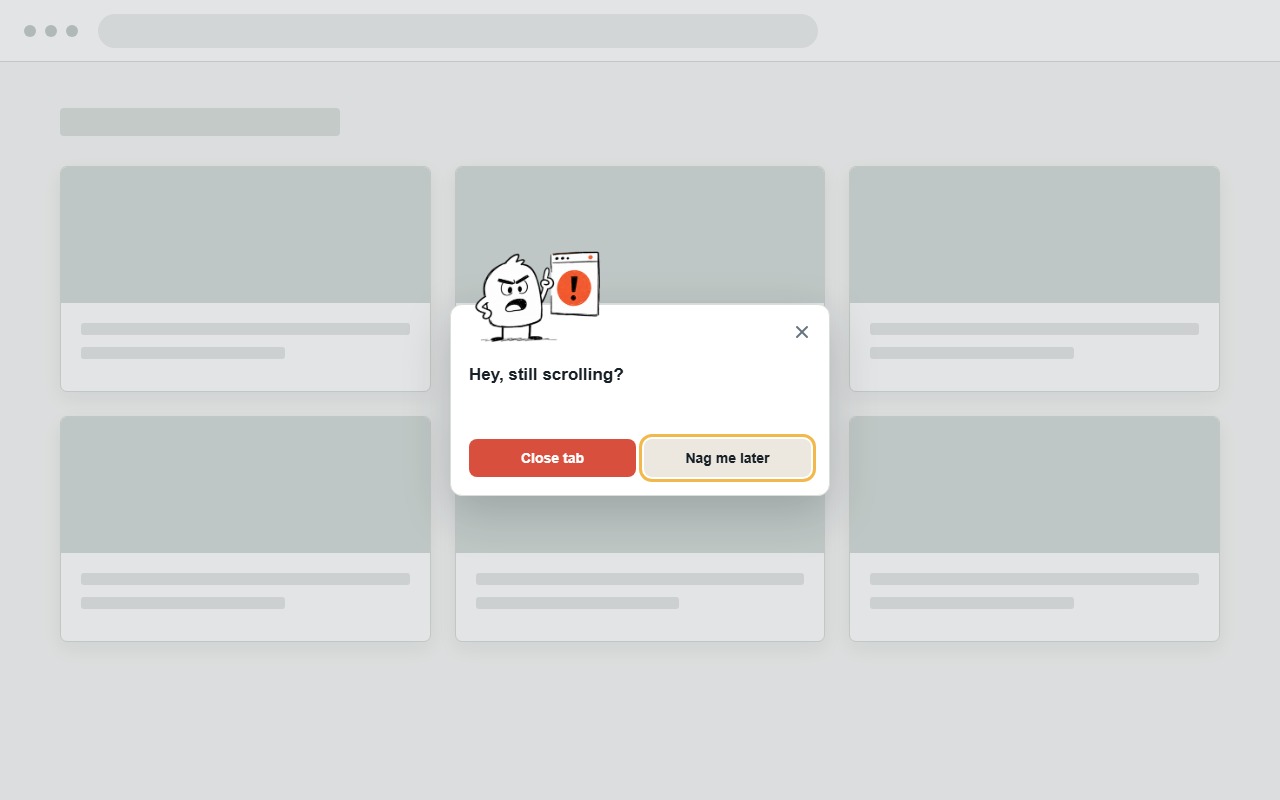
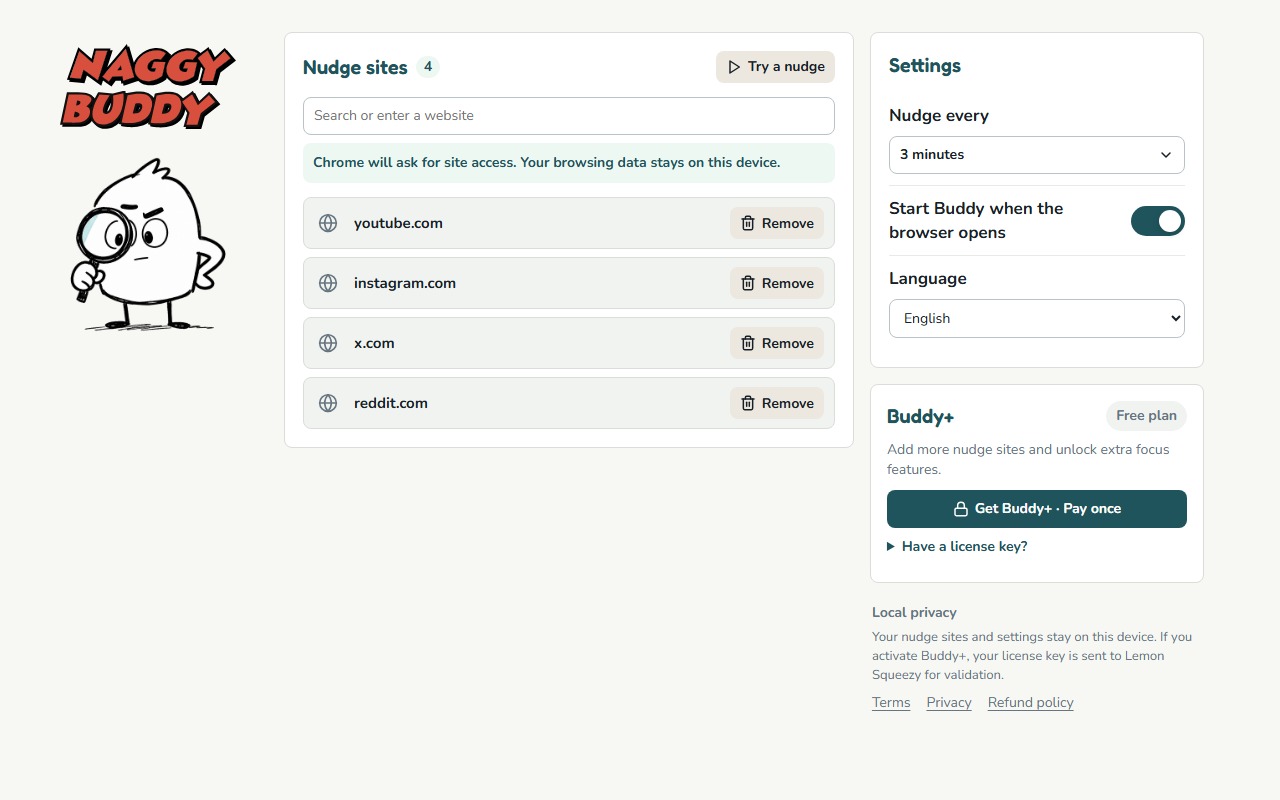
Naggy Buddy is deliberately on the reminder side. It tracks active time only on websites you select and shows an in-page nudge at the interval you choose. It does not redirect the page or prevent access.
That makes it a fit for people who need selected sites to remain available but want a clearer moment to close the current tab.