
Naggy Buddy does not block websites, redirect them, or decide that you are forbidden from continuing. It shows a reminder on selected sites and asks you to make the next choice deliberately.
That is not a technical limitation disguised as a feature. It is the product boundary.
Useful and distracting can be the same website
The sites that take attention are often the sites people still need. A video platform can teach a skill. A social feed can carry a customer update. A community site can answer a technical question. The useful page and the endless feed may live under the same hostname.
A domain-level block cannot always tell those intentions apart. Naggy Buddy does not try to guess. You select the hostname, use it normally, and receive a reminder after the active interval you chose.
The missing moment is often the stopping point
Many browsing sessions begin with a reasonable decision. The drift happens later:
- The answer is already found, but another link looks interesting.
- The planned video ends, but recommendations keep playing.
- The update is checked, but the feed has no natural finish.
The reminder is placed inside that open-ended session. Its purpose is to make the stopping point visible before the next stretch of browsing starts automatically.
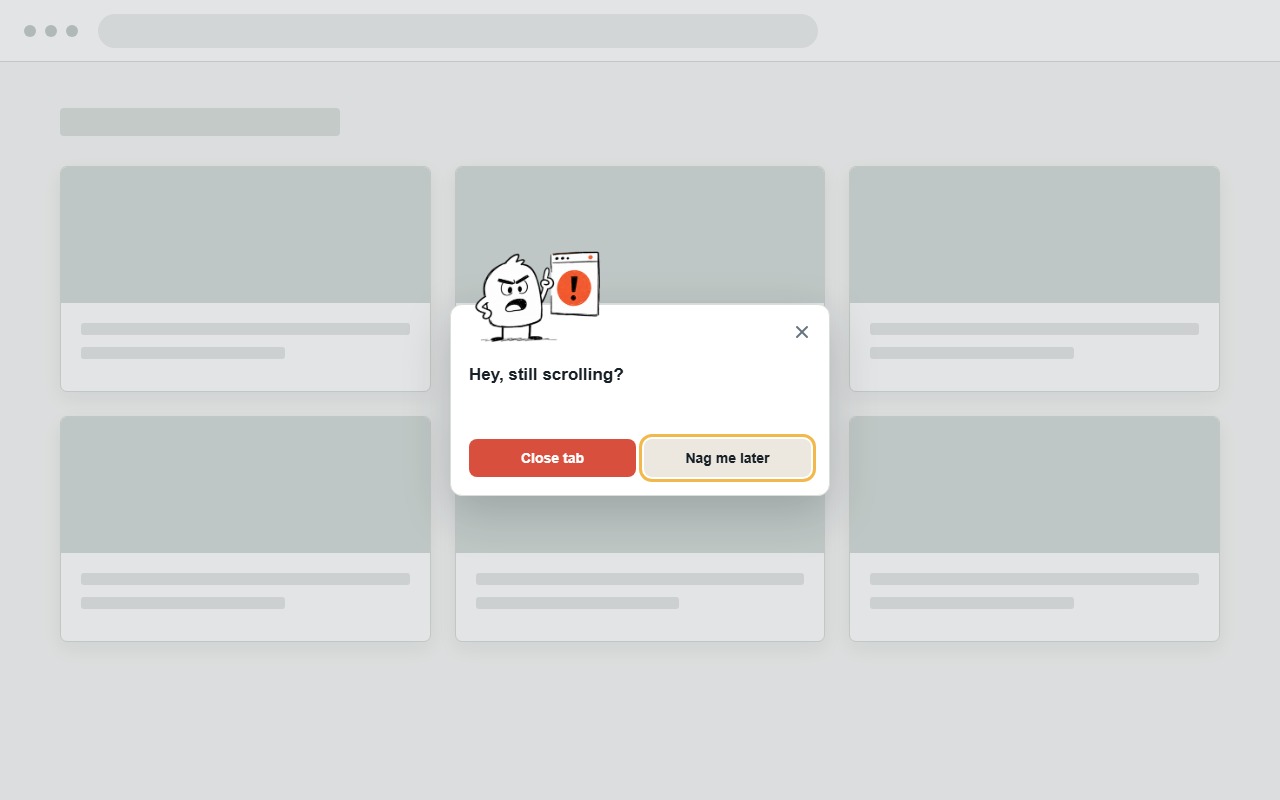
Control should remain obvious
When a Naggy Buddy reminder appears, the available actions are intentionally plain:
- Close tab asks for confirmation, then closes only the current tab.
- Nag me later dismisses the current reminder while tracking continues.
- Pause stops reminders until you choose Resume from the popup.
The extension creates friction, but the escape paths stay visible. Even Deep Nudge, the optional Buddy+ countdown after repeated dismissals, keeps the confirmed Close tab action immediately available.
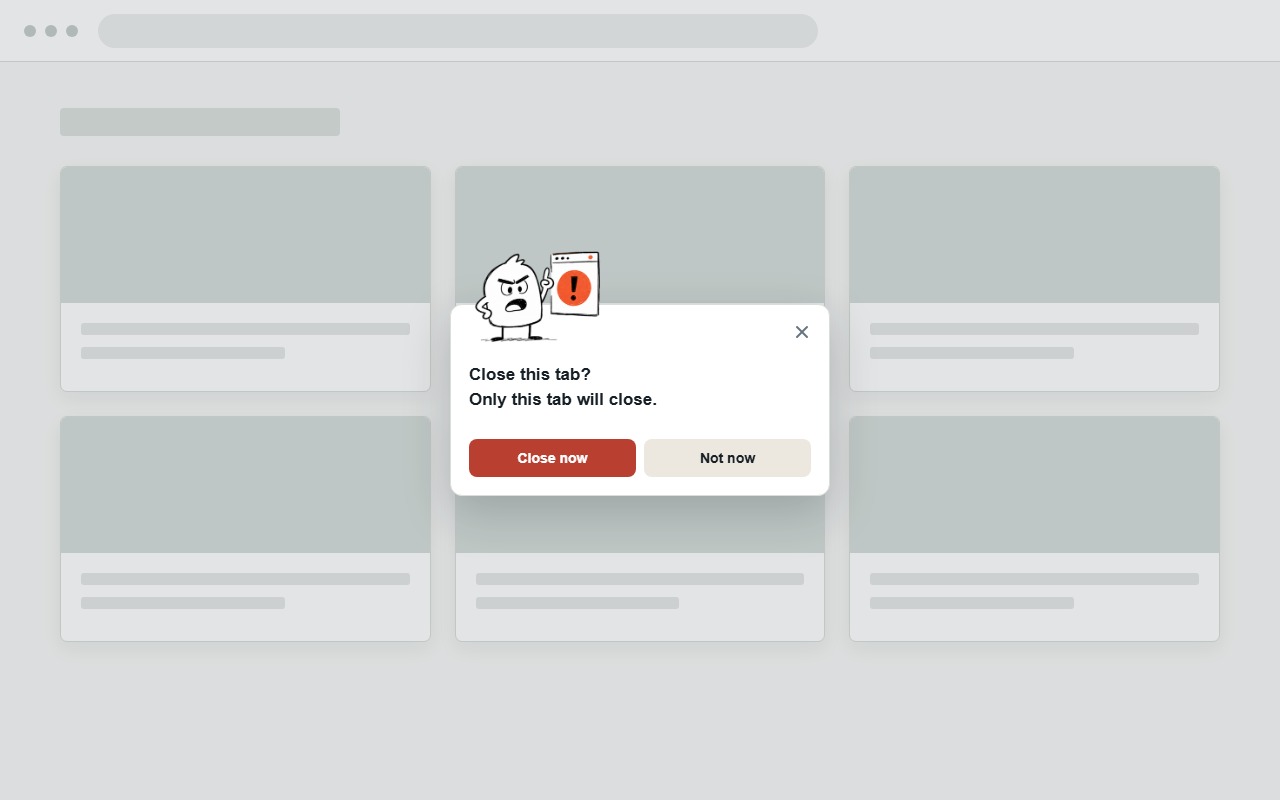
Sometimes continuing is the right decision. The goal is not perfect compliance. The goal is making that continuation deliberate instead of invisible.
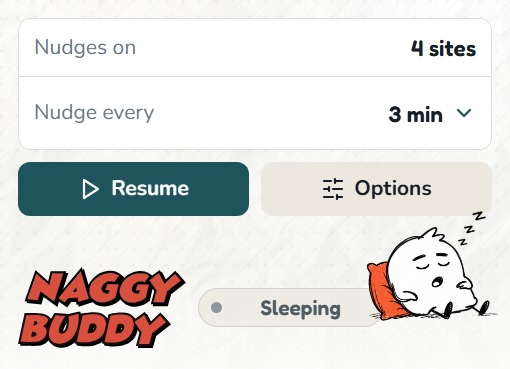
It measures only the selected active tab
Naggy Buddy is not designed as a browsing-history dashboard. You grant access to hostnames you choose. Time advances only when a selected site is the active tab in the focused Chrome window and the session is eligible to count.
Background tabs do not count. Locked time does not count. The extension stores selected hostnames, settings, and the current reminder state in Chrome storage on the device. It does not read page text or page titles.
A nudge has limits
A reminder cannot enforce a commitment that you do not want to reconsider. If you need a site to be impossible to open during a protected period, a dedicated blocker is the better tool.
Naggy Buddy is for the space between no boundary and a complete lockout. It fits people who want normal access, notice that some sessions run longer than intended, and respond better to a clear interruption than a forbidden page.
Why the Buddy character matters
A plain timer can disappear into the browser. A punitive warning can make people disable the tool. Buddy gives the interruption a recognizable voice: friendly first, lightly naggy when needed, and direct enough to be noticed.
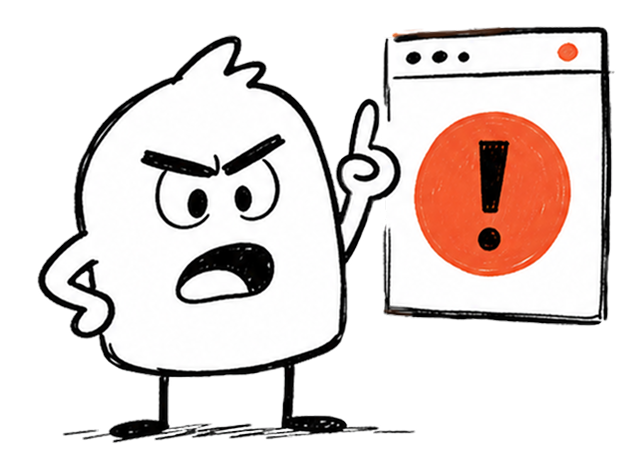
The character does not diagnose, shame, or claim that every extra minute is harmful. Buddy is there to ask the small question the feed avoids: are you still here on purpose?